Galaxy S26 Webcam Mode: Use Your Phone as a Webcam
Turn Your Galaxy S26 Into a High-Quality Webcam for Seamless Video Calls
What is USB Webcam Mode?
I love how Samsung put a secret tool inside the S26. You plug your phone into a PC and it acts like a real camera. This feature turn your mobile lens into a computer tool instantly. I see it as a huge upgrade for your setup.
How to Enable It
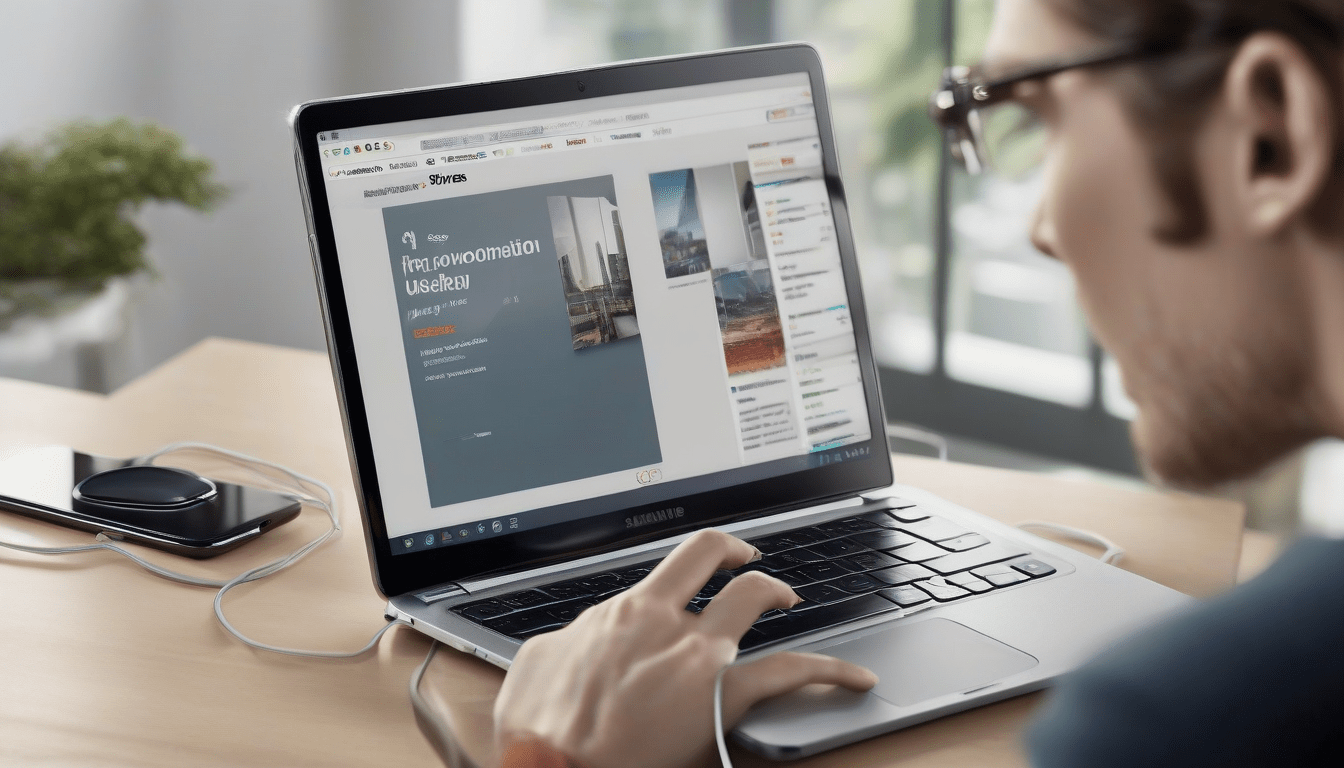
Take your USB-C cable and plug it into your laptop. A little box pops up on your phone screen quickly. I always click the part that say webcam mode. Your computer finds the device without you doing anything else. It is very fast and easy.
Why It Beats Third‑Party Apps
Old apps like DroidCam often make my video look laggy. Samsung uses the phone’s own brain to make the video super smooth. You get 4K quality while other apps only give you 720p. I noticed the light look better in my office now. This native tool is way better for your meetings.
Pros and Cons
The video is so clear that you see every detail. I like that no extra software is needed for this to work. Being tied to a wire is the only bad thing I found. You must stay at your desk because of the cord length.
Who Can Benefit?
I think every student should try this for their online classes. You will look much better than people using old laptop cameras. My friends said I look like a movie star on our last call. Use this trick to impress your boss during work hours.
Future Outlook
Samsung might make phones do even more things like scanning papers. I expect phones to replace all your desk tools soon. You wont need to spend money on extra gear anymore. Technology is getting very smart these days.