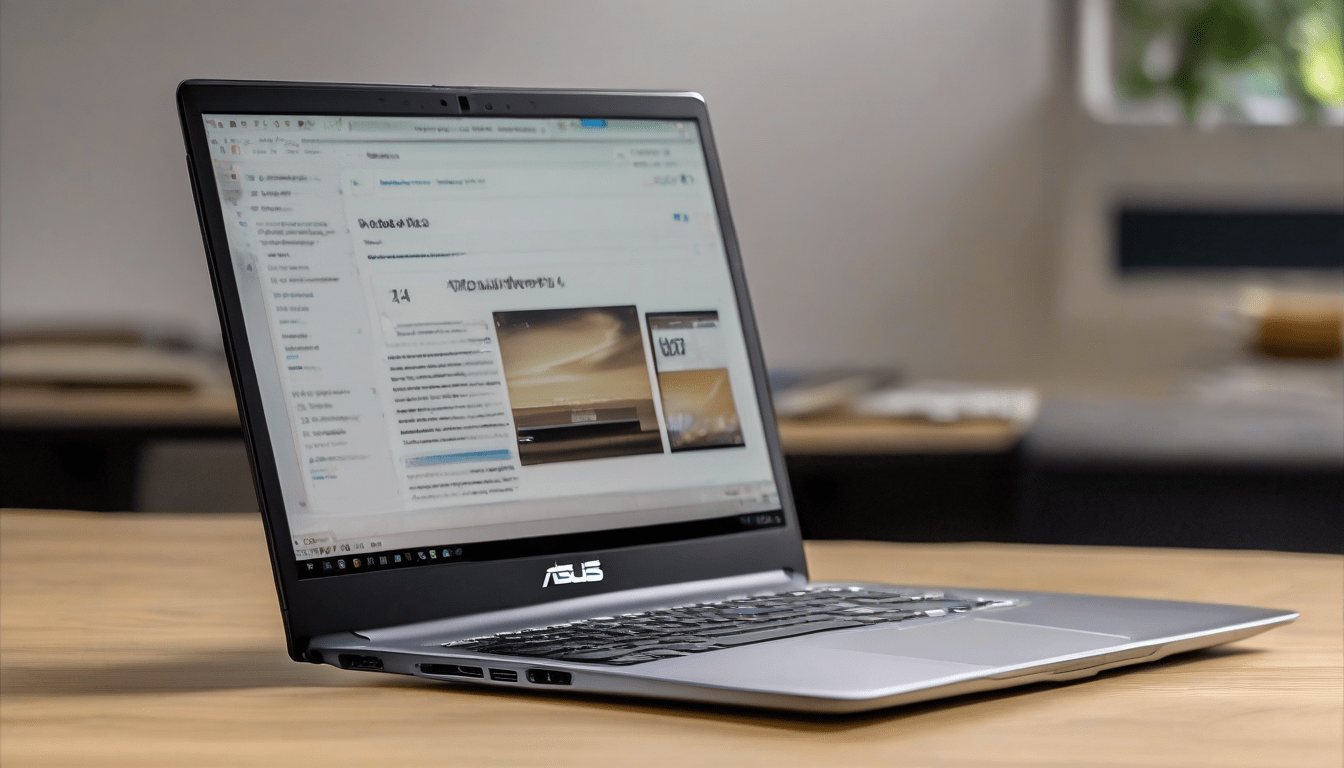
Budget Copilot+ Laptop Review: Asus Vivobook 14 Impresses
Generally, I think the $650 Asus Vivobook 14, which is the cheapest Copilot+ laptop, does a pretty good job of balancing performance, battery life, and features, which is great for Windows users like me.
Why price matters
Usually, when a laptop can handle daily tasks without draining my wallet, overheating, or needing to be recharged all the time, it’s a good choice. Apple’s Air line has been the benchmark, but Windows devices have often been more expensive. Recently, Qualcomm’s Snapdragon-based “Copilot+” laptops have come out, which could be a good alternative for Windows-on-Arm, and they’re priced competitively. The Vivobook 14 is the first gen-2 device I’ve tried from this lineup.
Key specifications at a glance
- Processor: Qualcomm Snapdragon X (8-core, up to 2.97 GHz) with a Hexagon NPU delivering up to 45 TOPS, which sounds pretty good to me
- Memory: 16 GB LPDDR5X soldered on board (maximum supported), I guess that’s enough for most users
- Storage: 512 GB PCIe 4.0 NVMe SSD, which is a decent amount of storage
- Display: 14-inch LED, 1080p, 60 Hz, anti-glare, 45% NTSC color gamut, the display is okay, I suppose
- Ports: 2 x USB-A 3.2, 2 x USB-C (USB 4), HDMI 2.1, 3.5 mm combo jack, I like that it has a lot of ports
- Camera: 1080p infrared sensor with privacy shutter for Windows Hello, which is a nice feature
- Battery: 50 Wh, 65 W USB-C charger, up to 11 hours of balanced use, the battery life is pretty good
- Weight: 1.49 kg (3.28 lb), it’s not too heavy, I think
What works well
Normally, the Vivobook’s memory and storage are generous for a sub-$700 notebook, so it’s got plenty of headroom for old software. Its port selection is another strong point, I mean, it’s got both USB-A and USB-C, an HDMI output, and a headphone jack, which makes it easy to set up multiple monitors or peripherals.
Basically, the biometric login is a nice feature, it’s got an infrared camera and a physical shutter, which feels premium at this price tier. The back-lit chiclet keyboard is pretty good, it’s got a satisfying 1.7 mm travel and tactile feel, which is better than some other laptops I’ve used. The large precision touchpad is also useful, it’s got edge-swipe shortcuts for volume, brightness, and media control, which is handy.
Generally speaking, the display is bright enough for indoor work, but it’s not great in sunlight, I had to turn the brightness up to max to see anything, and the color reproduction is just okay. However, the built-in MyAsus app has an “e-reading” mode that turns the screen grayscale, which helps with eye strain, and there’s also an eye-care mode with multiple blue-light reduction levels, which is nice.
Performance notes
In my experience, the Snapdragon X processor is pretty good, it’s close to the three-year-old MacBook Air’s M2 chip in multi-core scores, but it’s not as good in single-core performance. Most of the time, real-world tasks like web browsing, video conferencing, and running Microsoft Copilot felt smooth. Basic office suites, cloud-based collaboration tools, and light media editing ran without any issues.
Sometimes, the machine gets a bit slow, it crashes when I’ve got too many Chrome tabs open, and the fan can get pretty loud when it’s under load. The integrated Adreno GPU is not great for gaming, I mean, 3DMark was around 9 fps, which is not good, so users will need cloud-gaming services if they want to play games.
Battery life and charging
Actually, the battery endurance was a nice surprise, it lasted around 11 hours with the screen set to 60% brightness, which is pretty good. When I switched to a high-performance mode, it lasted around 8-9 hours, which is still respectable. Fast charging is also pretty good, it takes about an hour to fully charge, and there’s a battery-care mode that caps charging at 80% to extend the battery’s health.
Bottom line
Normally, I’d say the Asus Vivobook 14 is a good choice, it’s got a solid mix of features, decent battery life, and a price that’s lower than many competitors. Its sturdy MIL-STD-810H-rated chassis, comprehensive I/O, and on-device AI capabilities via Copilot+ make it a practical choice for students, remote workers, and anyone who needs a reliable Windows notebook without spending too much money.
Verdict
Generally, I think the Vivobook 14 is a good value proposition, it’s got a versatile port layout, solid build quality, and all-day battery life, which is what most users need. It’s not the most powerful laptop, but it’s a good alternative for the Windows ecosystem, especially when component shortages are keeping premium laptops expensive.