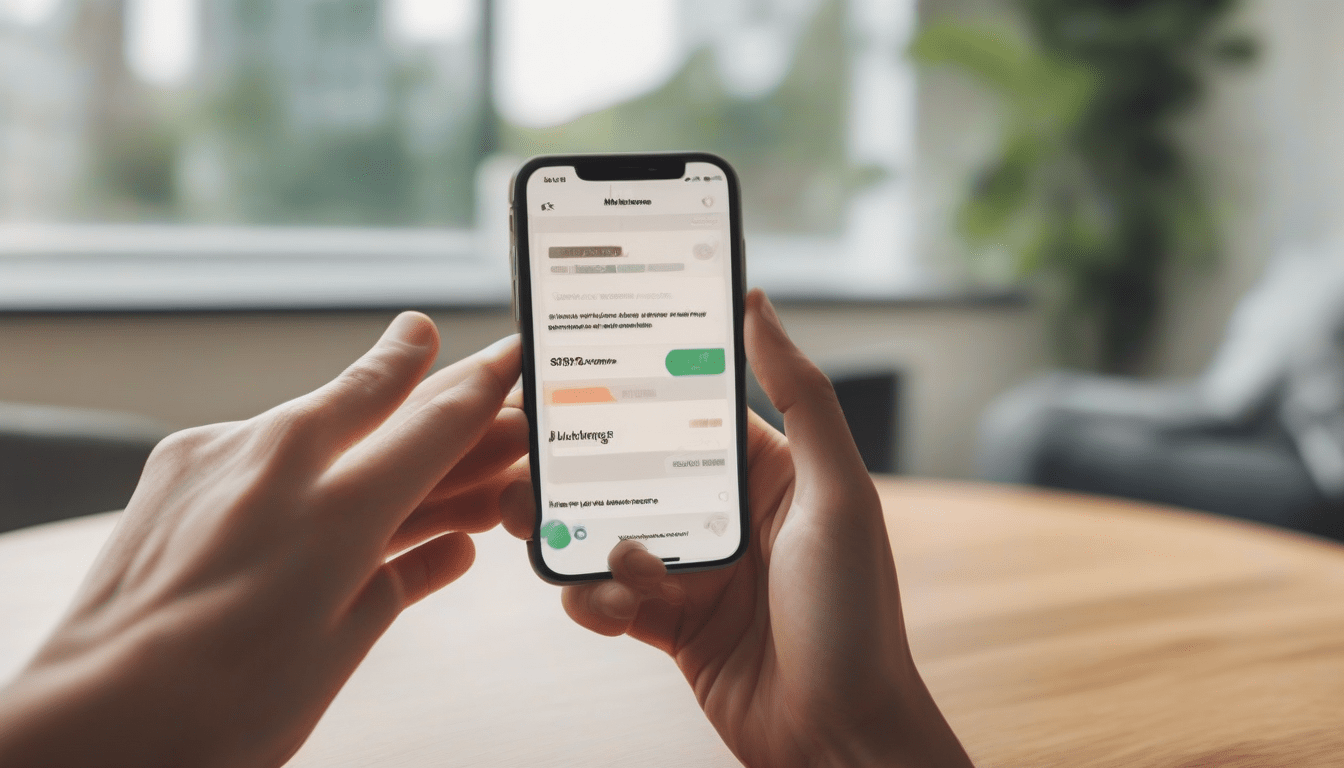
How to View Apple Purchase History on iPhone or iPad
Generally, You need to learn how to check your Apple Account purchase history on iPhone or iPad. Normally, Tracking spending, managing subscriptions, and verifying transactions is pretty easy.
Method 1: Accessing Purchase History via Settings
Obviously, You will start by opening the Settings app, then You tap the little gear icon, it’s right there on your home screen. Usually, At the top, You will see your Apple Account banner, so give it a tap, it’ll open your profile.
Next, You choose Media & Purchases; You might need to scroll a bit, don’t worry.
After that, A popup shows up, You hit View Account and use Face ID, Touch ID, or your passcode, whichever You prefer.
Then, You scroll down till You spot Purchase History and tap it; a full list of every transaction appears.
Also, If You need a specific item, type its name in the search bar at the top, or tap the blue “Showing” text to filter by date, price, or type.
Method 2: Quick Access via the App Store
Normally, You launch the App Store, it’s the blue bag icon You use to download apps.
Next, You tap your profile picture in the top‑right corner; it opens your account menu.
After that, You select Purchase History and authenticate with Face ID or Touch ID when asked.
Generally, You’re now looking at the same list as before, but You got there faster.
Why Checking Your Purchase History Matters
Usually, Your Apple purchase history isn’t just a boring list, it’s a tool that helps You keep your budget in check.
For instance, You can see how much You spend on apps, music, movies, and avoid overspending.
Also, You can spot active subscriptions and cancel the ones You don’t need.
Next, You can check purchases made by family members via Family Sharing.
Then, You can quickly notice unauthorized purchases and report them.
Additionally, You can find old apps or media and download them again without paying twice.
Final Tips
Generally, You should make it a habit to review your purchase history regularly, a quick glance each month keeps You on top of your digital spending.
Obviously, If You run a Family Sharing group, remind everyone to check their own histories for transparency.
Next, You should keep your Apple Account locked down with a strong password and two‑factor authentication, that way no one can sneak in and buy stuff.
Usually, By following these steps, You’ll always know what’s been bought, who bought it, and how much You’ve spent, simple, clear, and in control.