Spotify Lets You Turn Off All Videos—Music & Podcasts
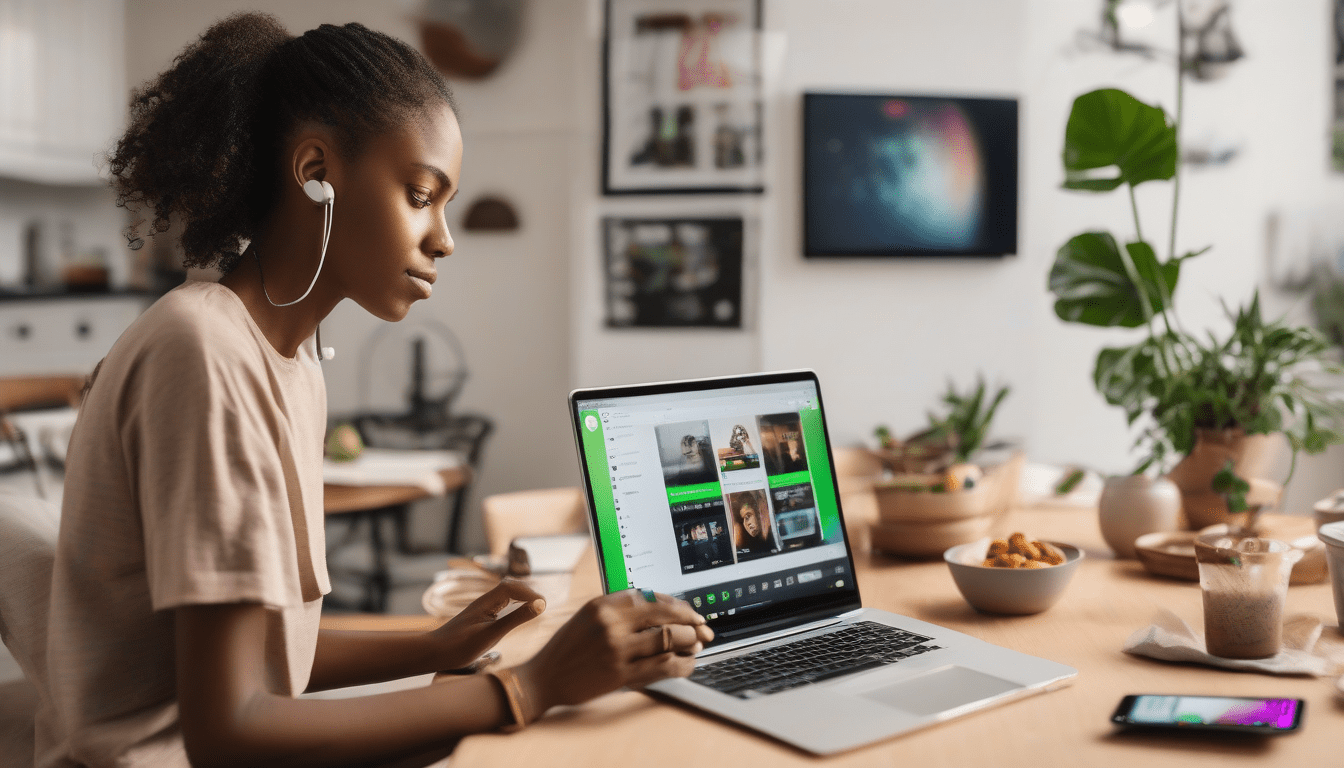
I am very happy that Spotify finally lets me turn off all those videos. You have the power to stop music clips and podcast movies on every device you own today. The app work great on my computer and also on the big TV in the kitchen. Everyone gets this update regardless if you pay for a plan or use the free version.
How to Turn Off Videos on Spotify
Go ahead and open your settings menu to start the process. I find the content and display section when I use my small phone. There is many ways to find it on a desktop by clicking the display tab. You will see three switches that control everything you see on the screen.
1. Canvas Clips. I turn these off so the looping videos do not drain my phone battery.
2. Music Videos. Hit this switch and you only hear the song instead of watching a movie version.
3. Podcast & Vertical Videos. Turn this off and the video podcasts go away for good.
I noticed that my phone uses less data when these videos are gone. My screen stayed dark and quiet while I listened to my favorite songs yesterday.
Family Plan Controls
You can control what your kids see on their phones if you have a family plan. I recommend you open the dashboard and pick which kid you want to manage. Each of the switches turn off a different kind of video for them. The amount of videos are lower now for everyone in my house.
Availability and Next Steps
You should update your app right now to get these new features. I saw that a reporter found this out before Spotify told the world. The app is rolling this out to everyone in the whole world over the next few days. Less distractions make the music sound better to my ears. Go look at your settings and see if the buttons are there for you.